Global Portfolio One (ISIN: AT0000A2B4T3 | WKN: A2PT6U)
for Mac, iPhone & iPad
Track the Global Portfolio One Fund with interactive charts, technical analysis and comprehensive export options. The professional solution for private investors and portfolio tracking on all Apple devices.
✓ No ads | ✓ No registration | ✓ Privacy-friendly | ✓ Universal App
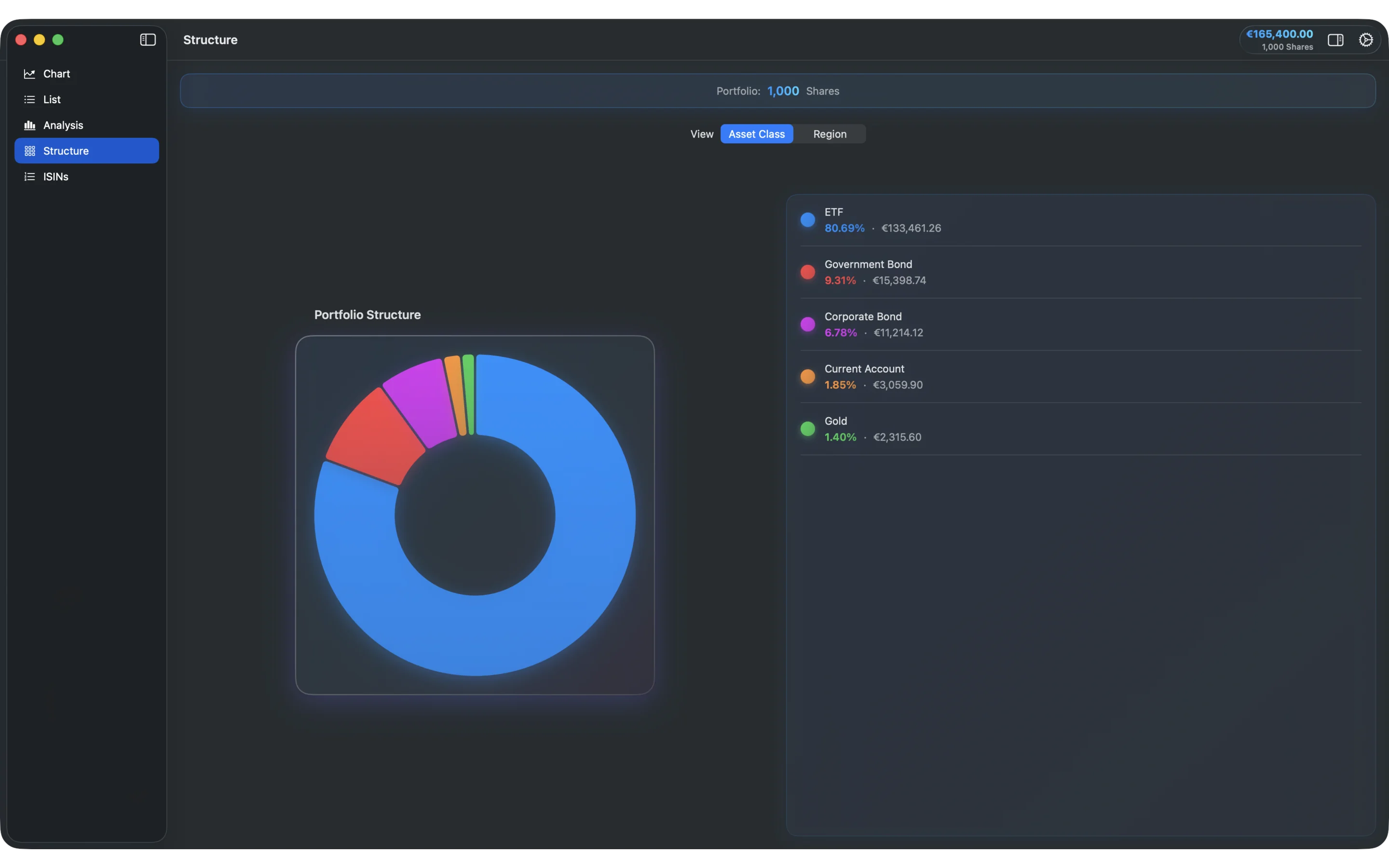
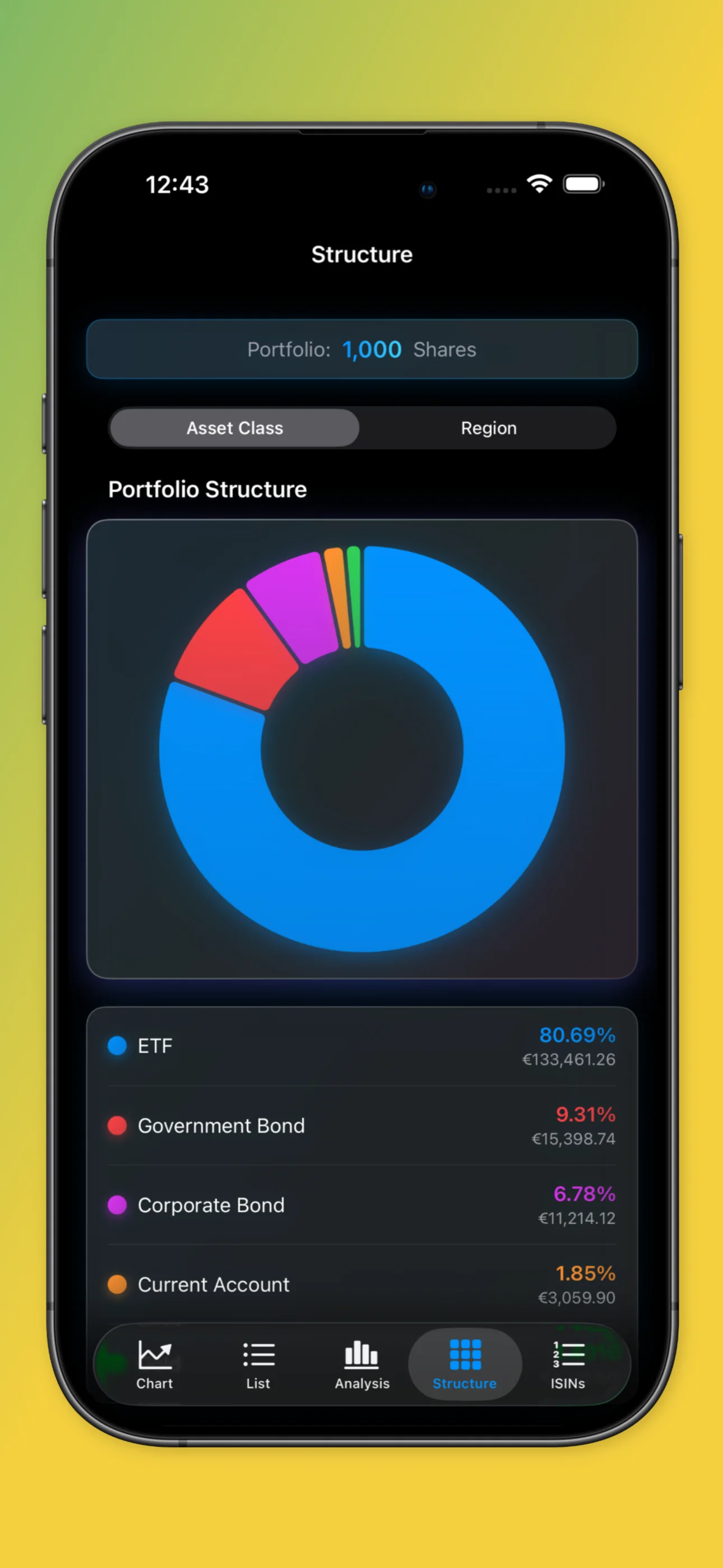
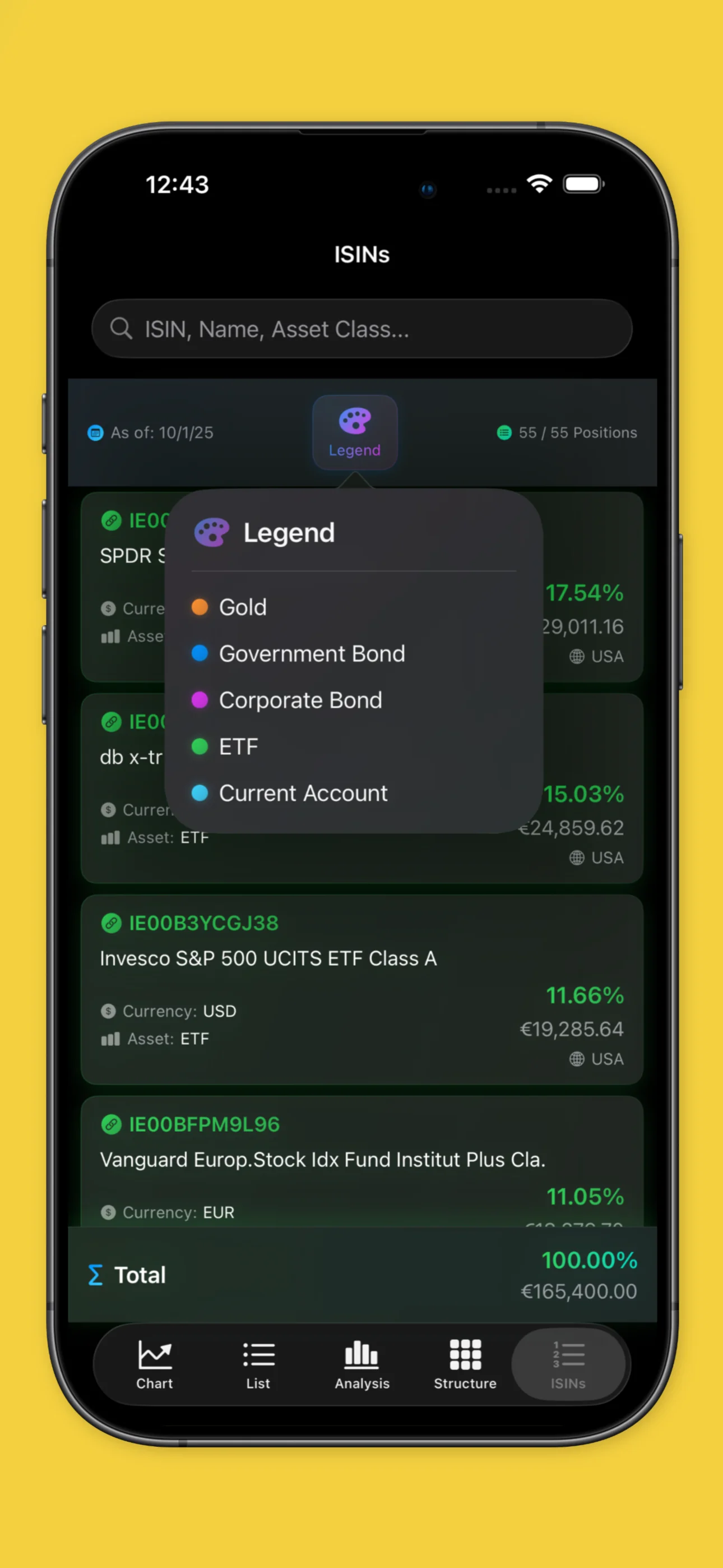
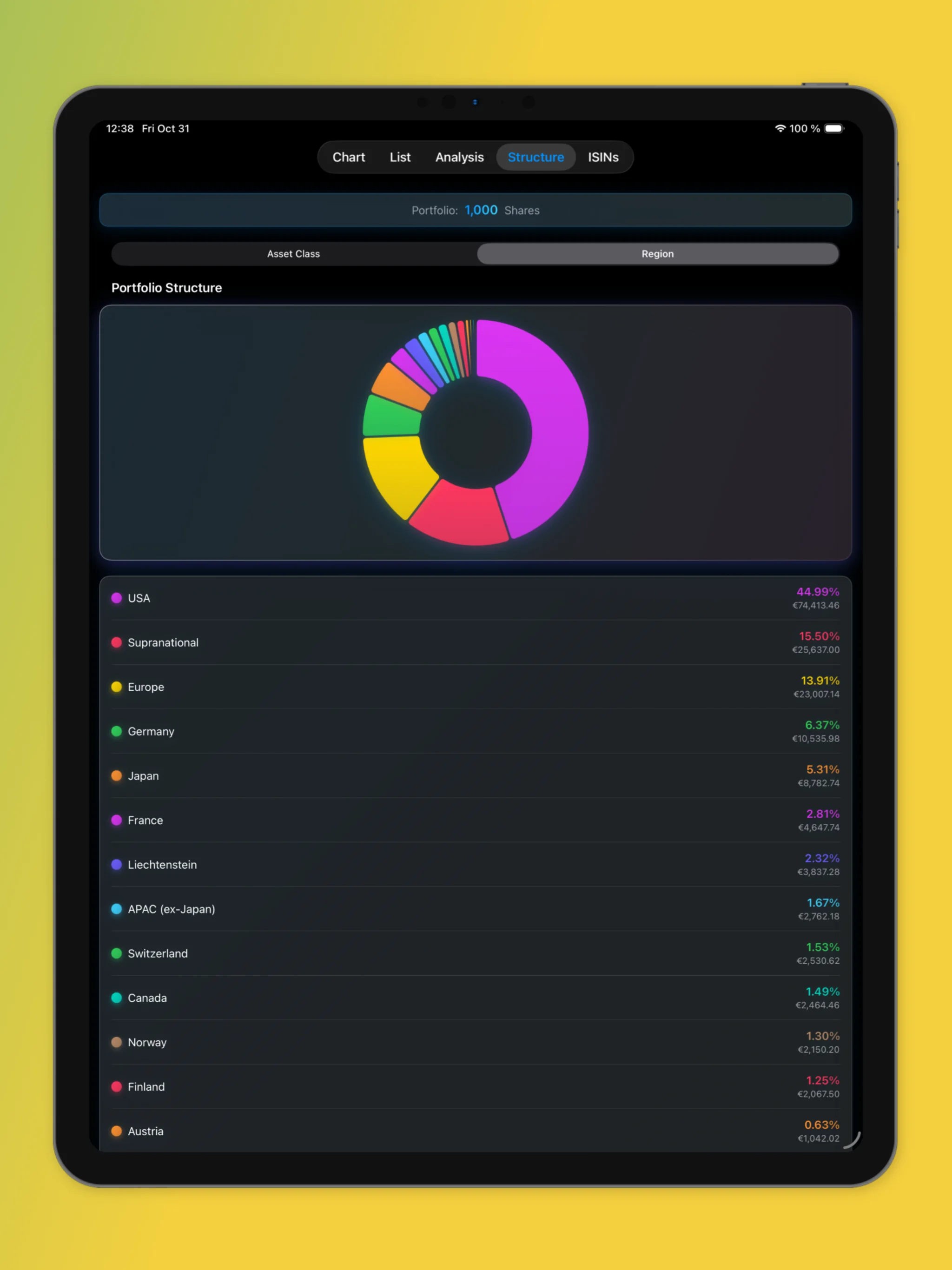
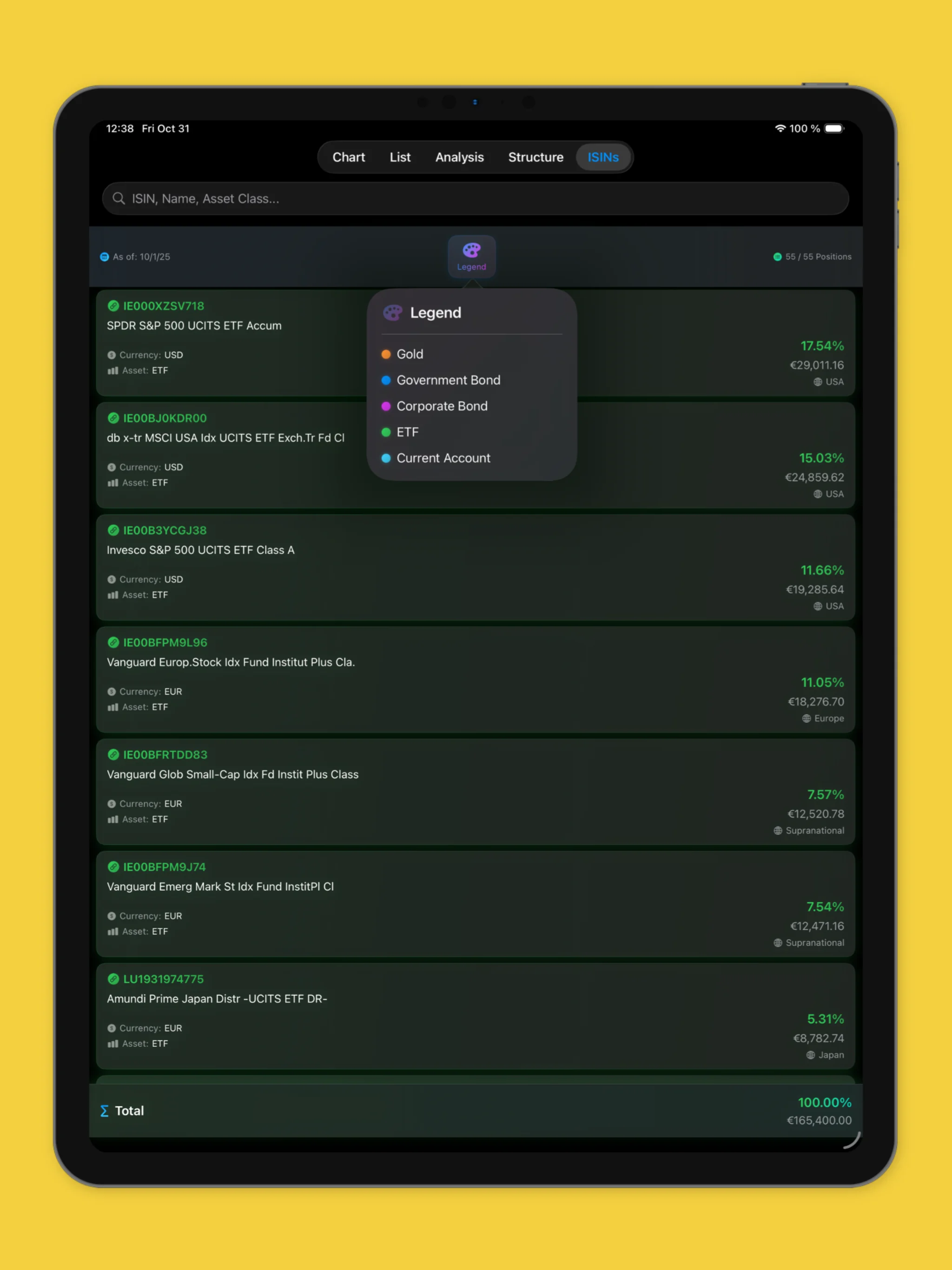
Professional fund analysis tools for the Global Portfolio One fund. Ideal for private investors who want to keep track of their investment.
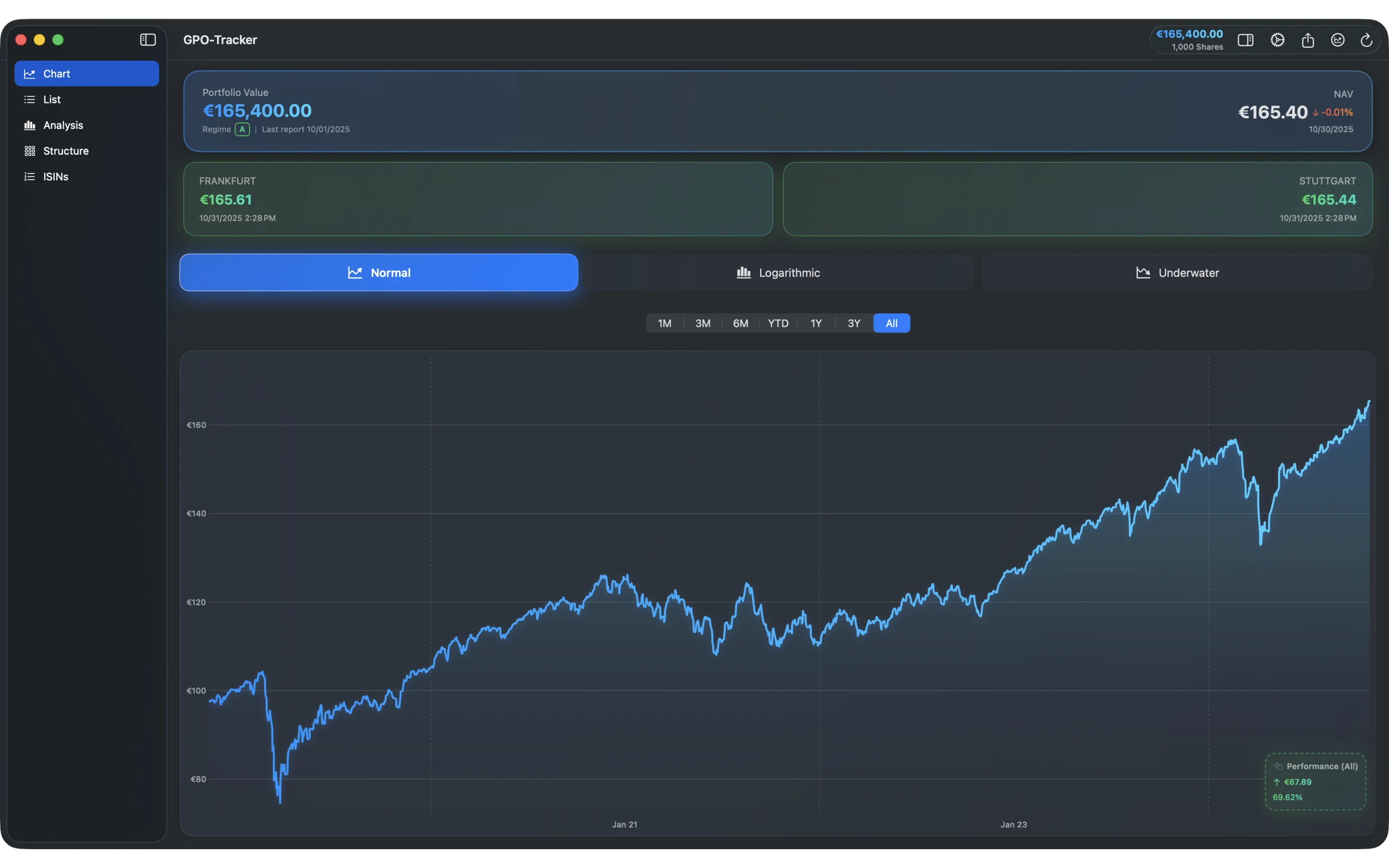
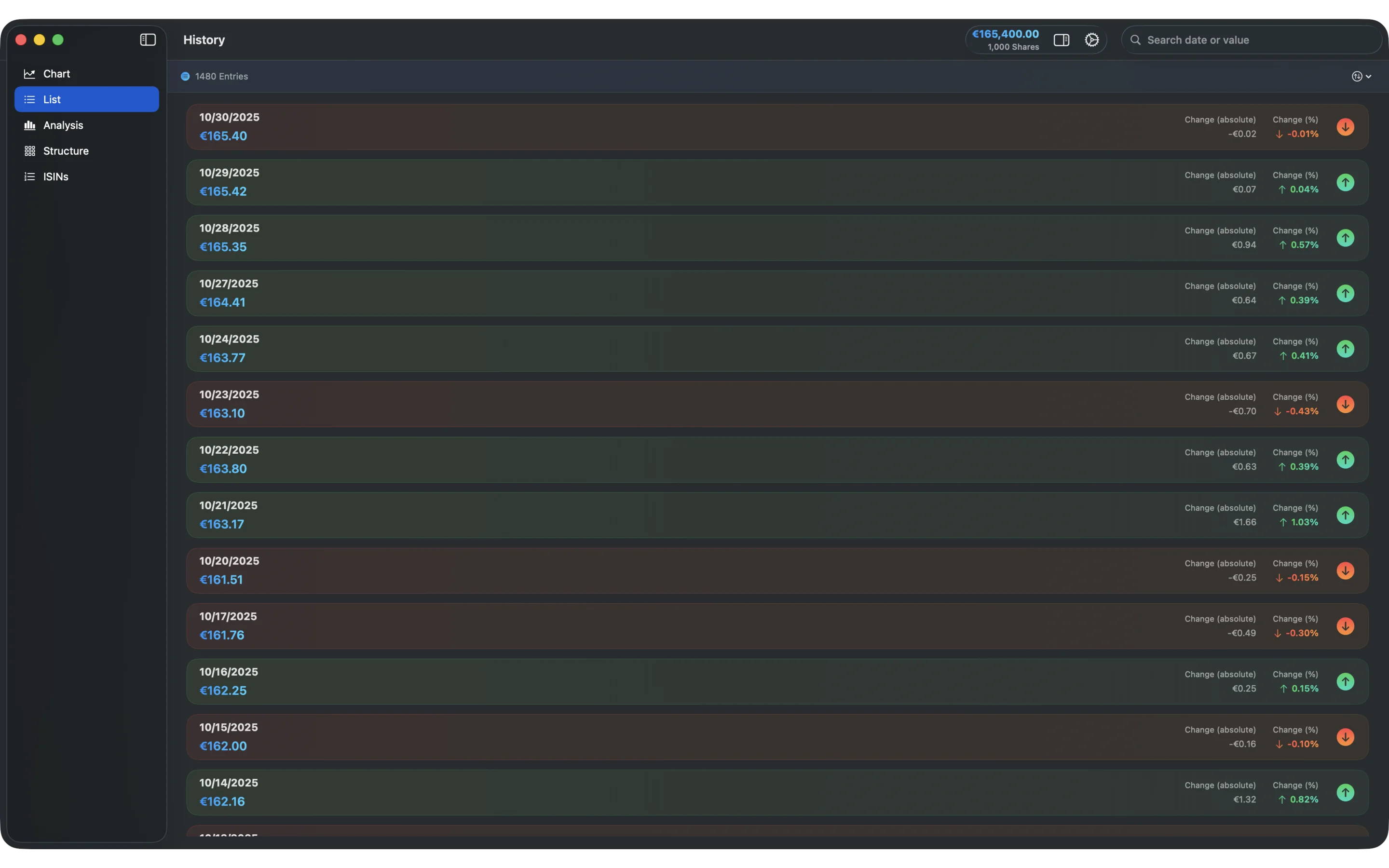
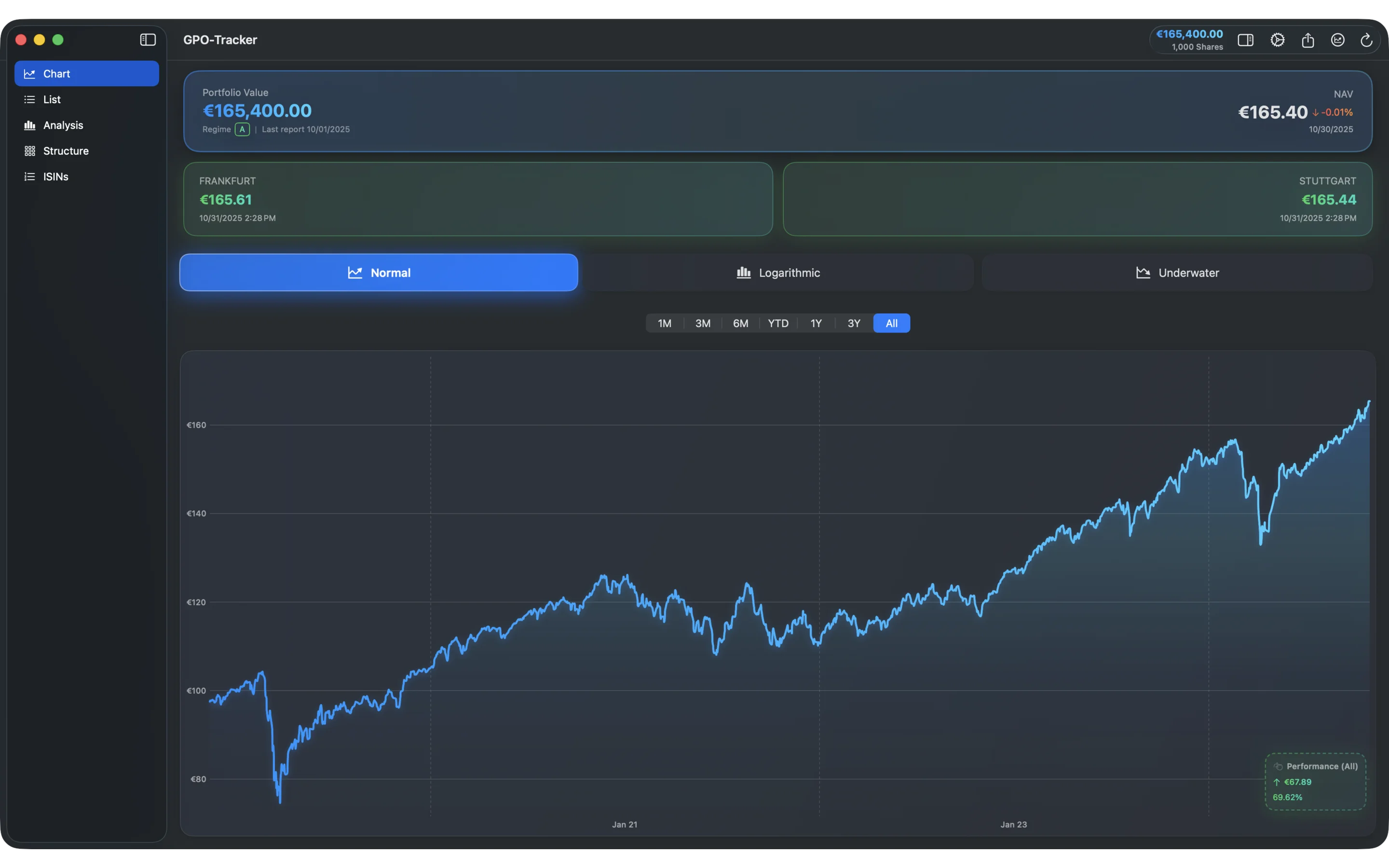
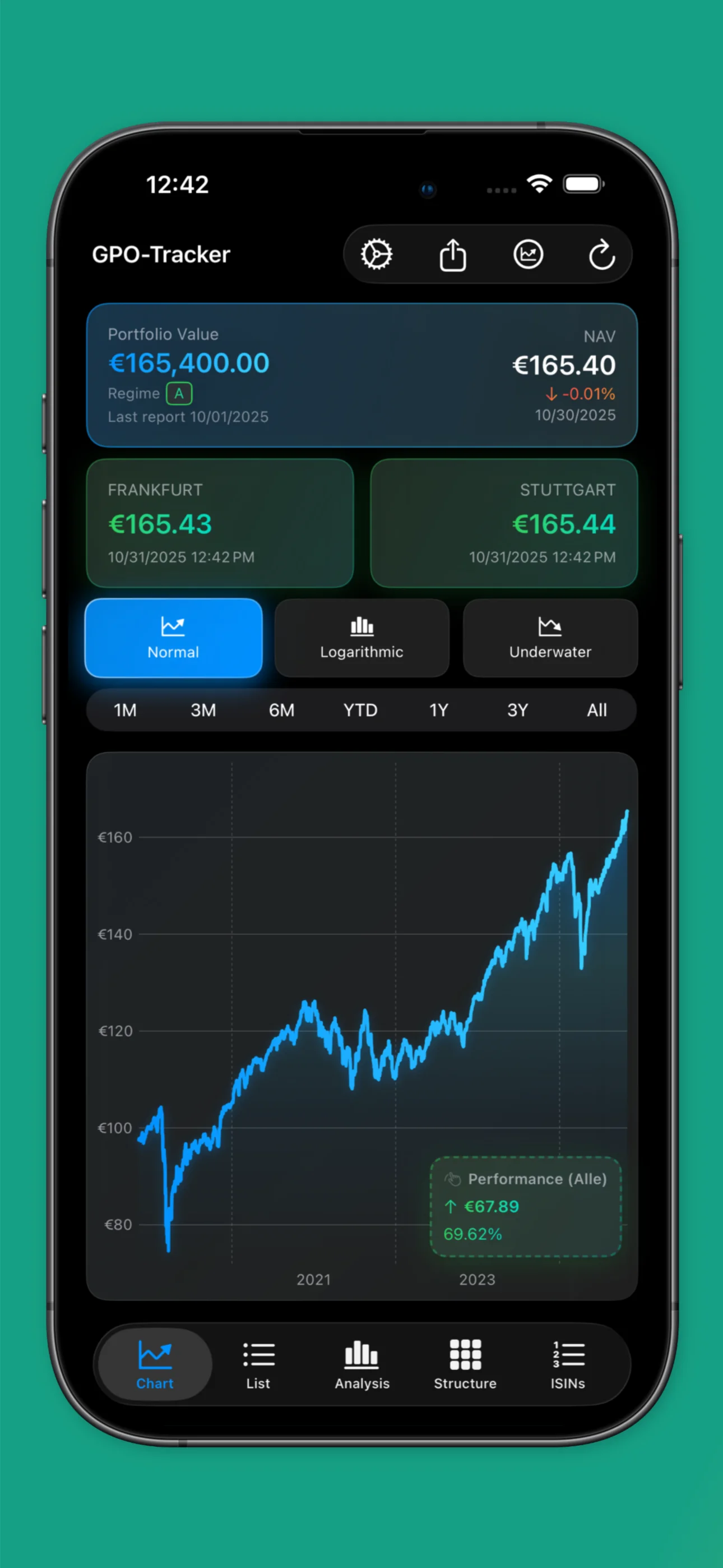
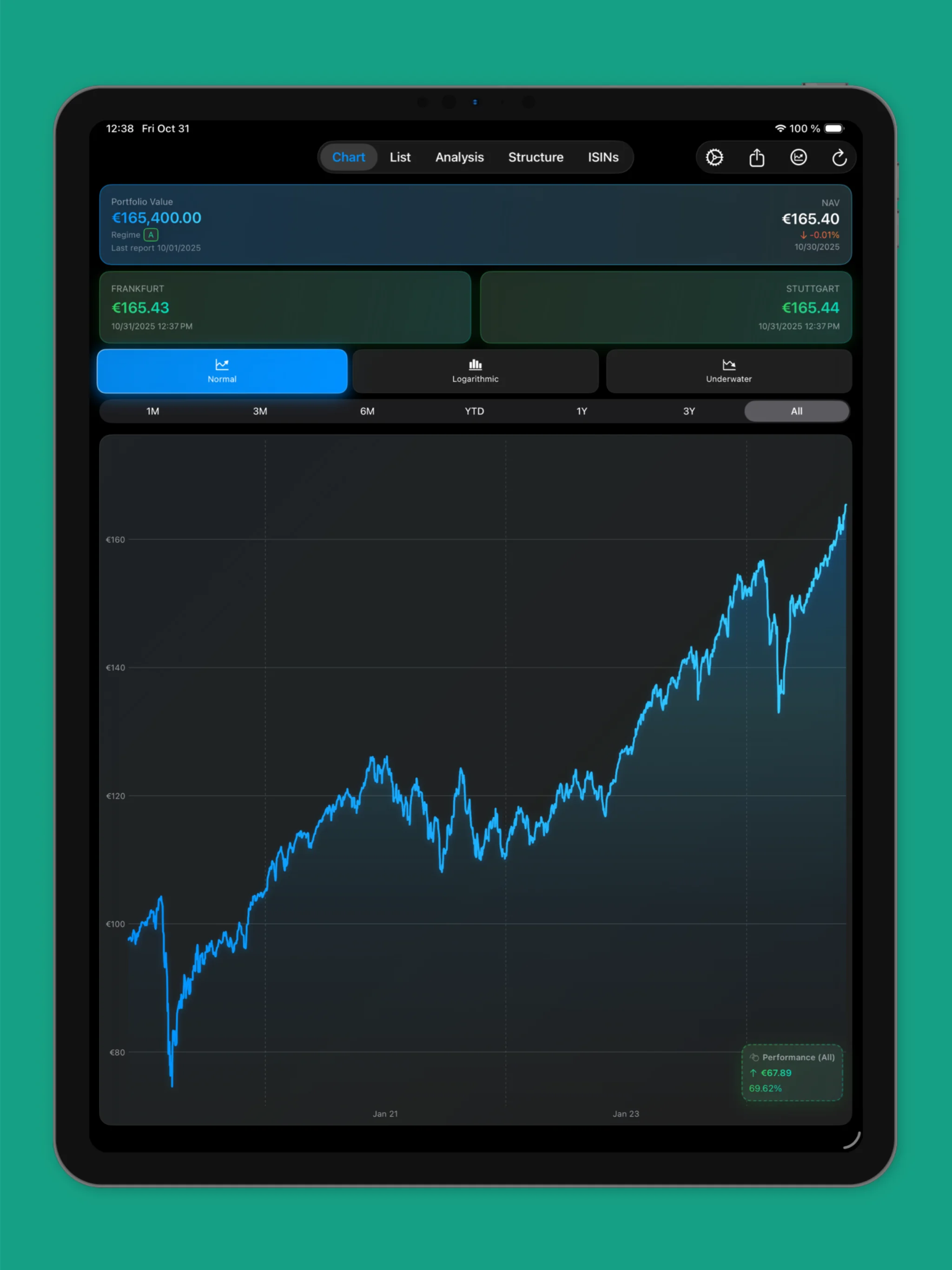
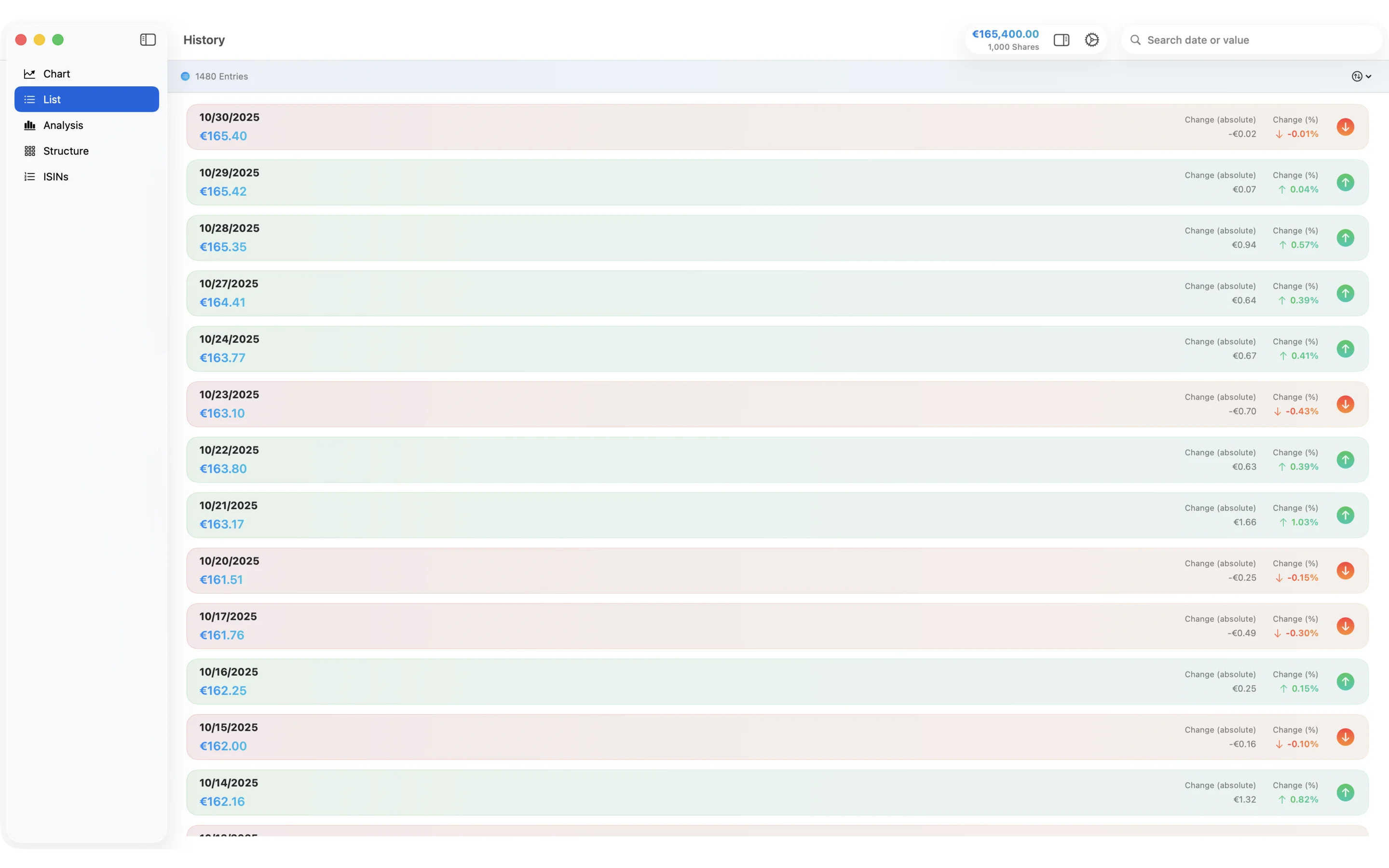
Complete price history of the Global Portfolio One fund with daily updated data. Analyze performance since fund inception and track long-term trends.
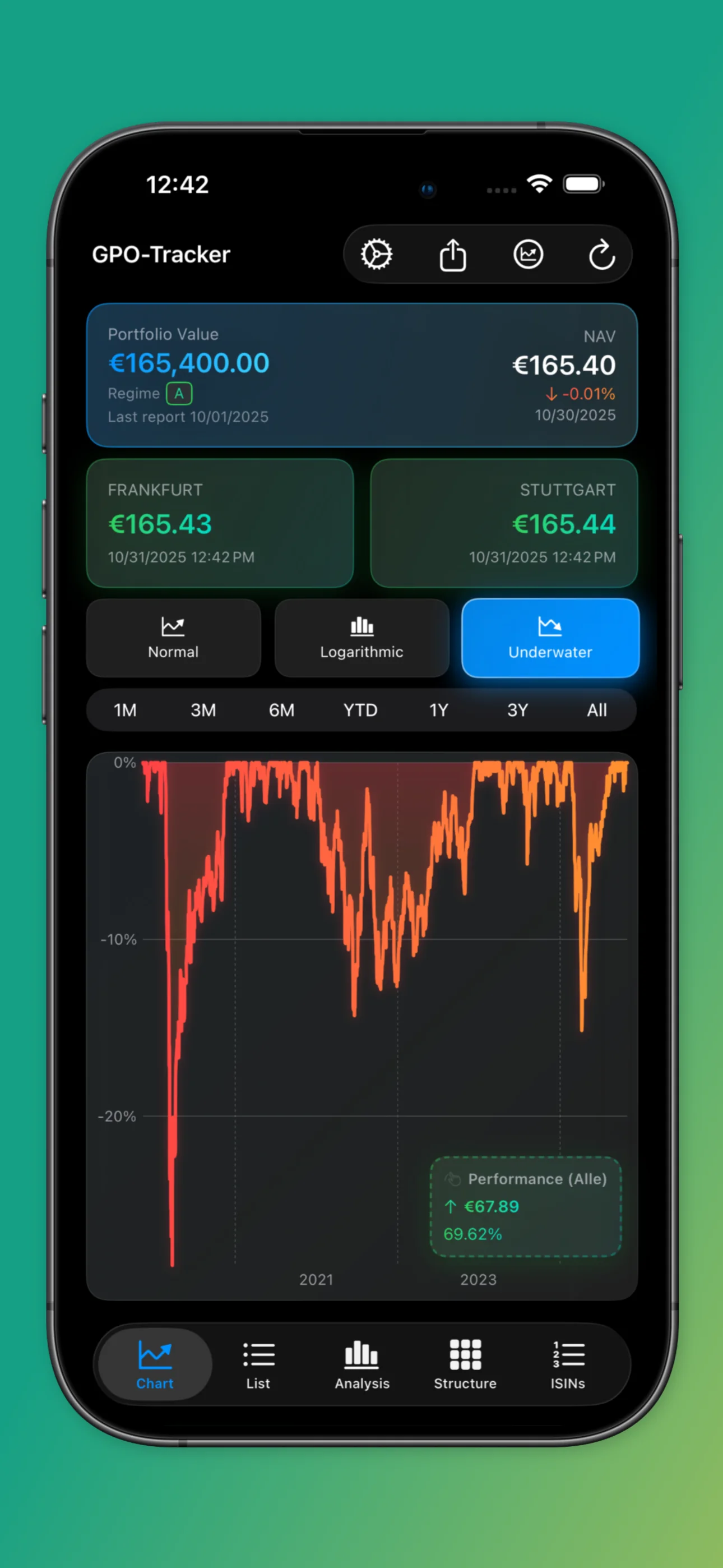
Professional chart display with zoom, navigation and customizable time periods. Perfect for detailed fund analysis and technical evaluation.
Technical analysis with moving averages over 50, 100 and 200 days. Identify trends and entry points for your GPO® investment.
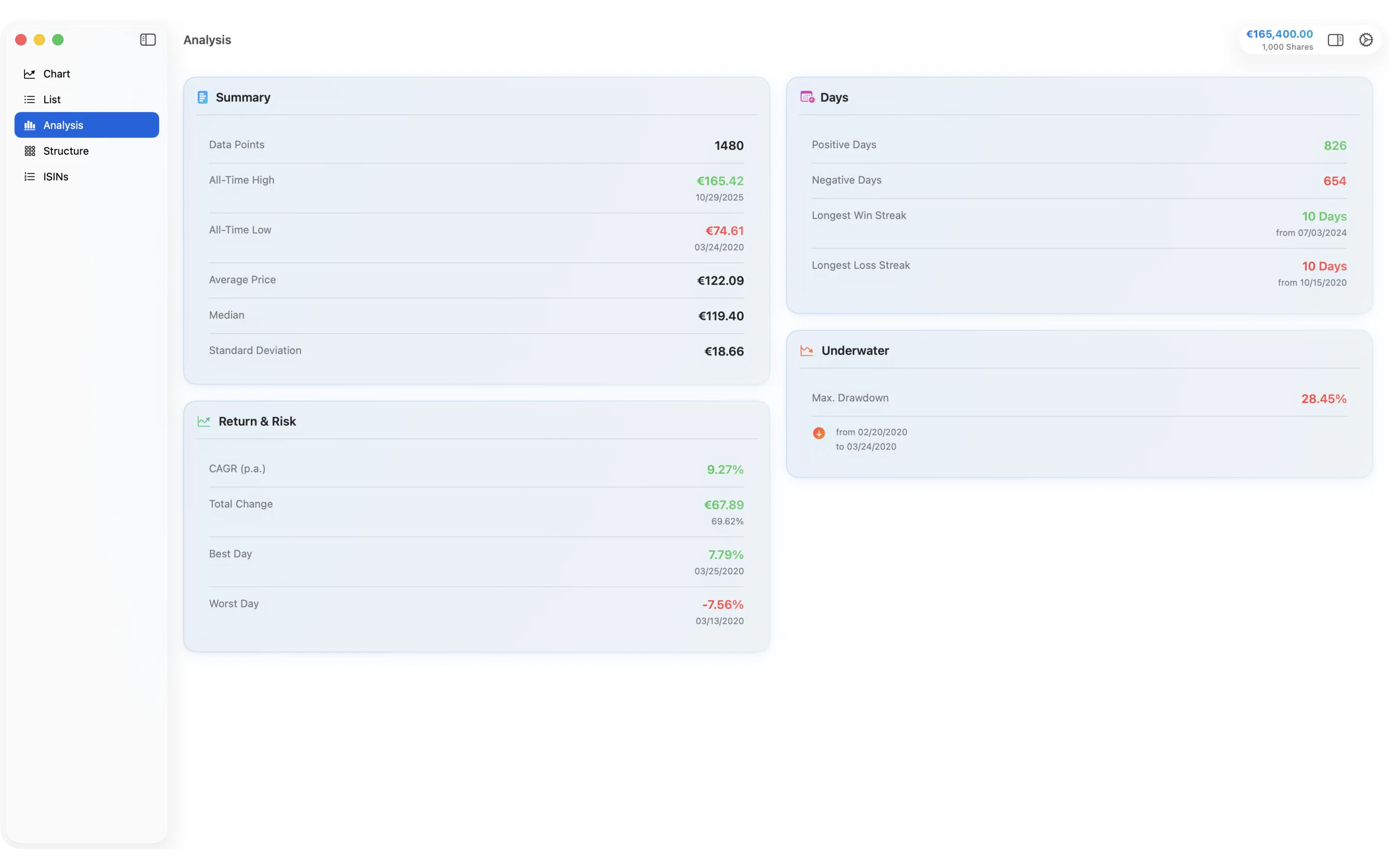
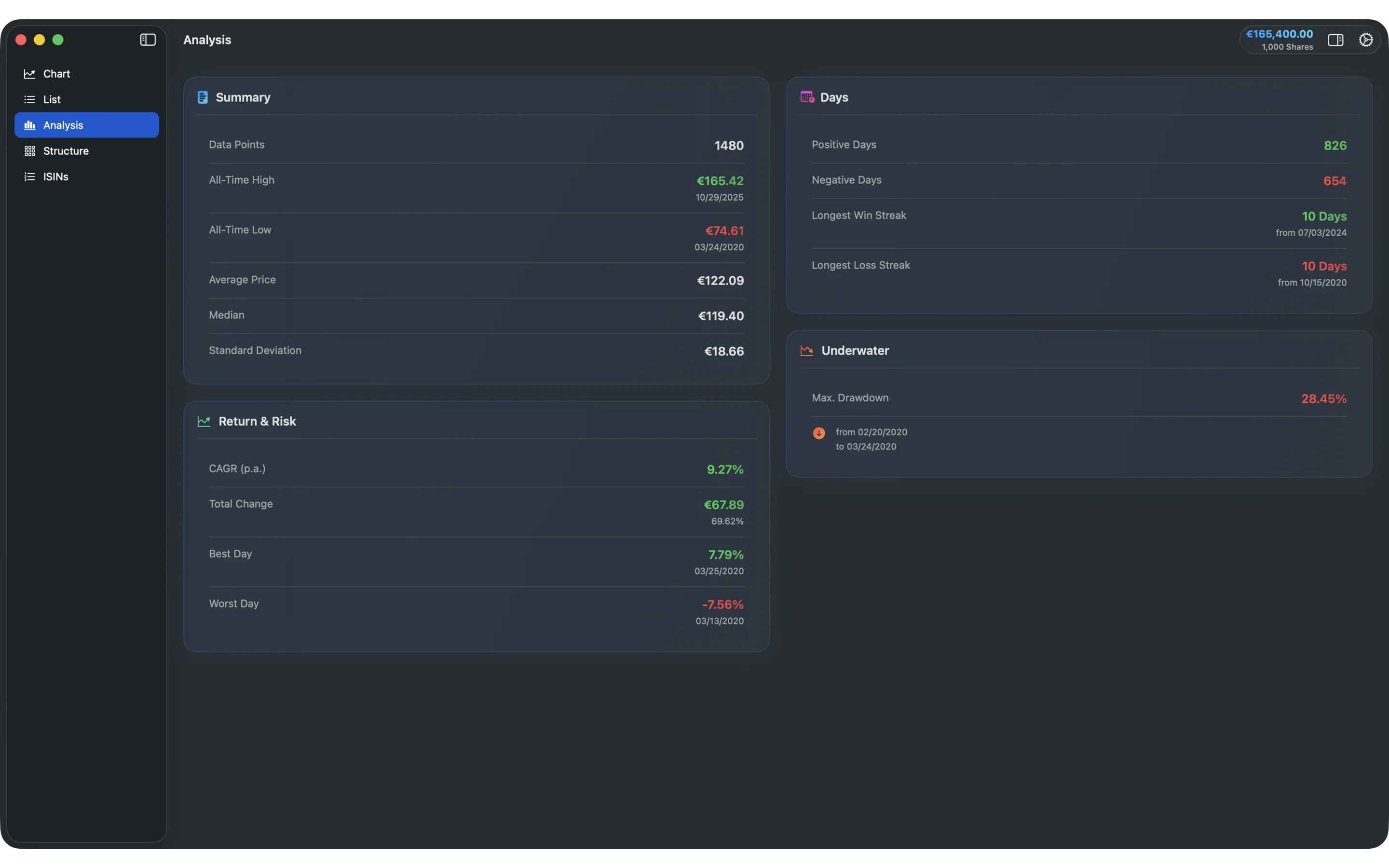
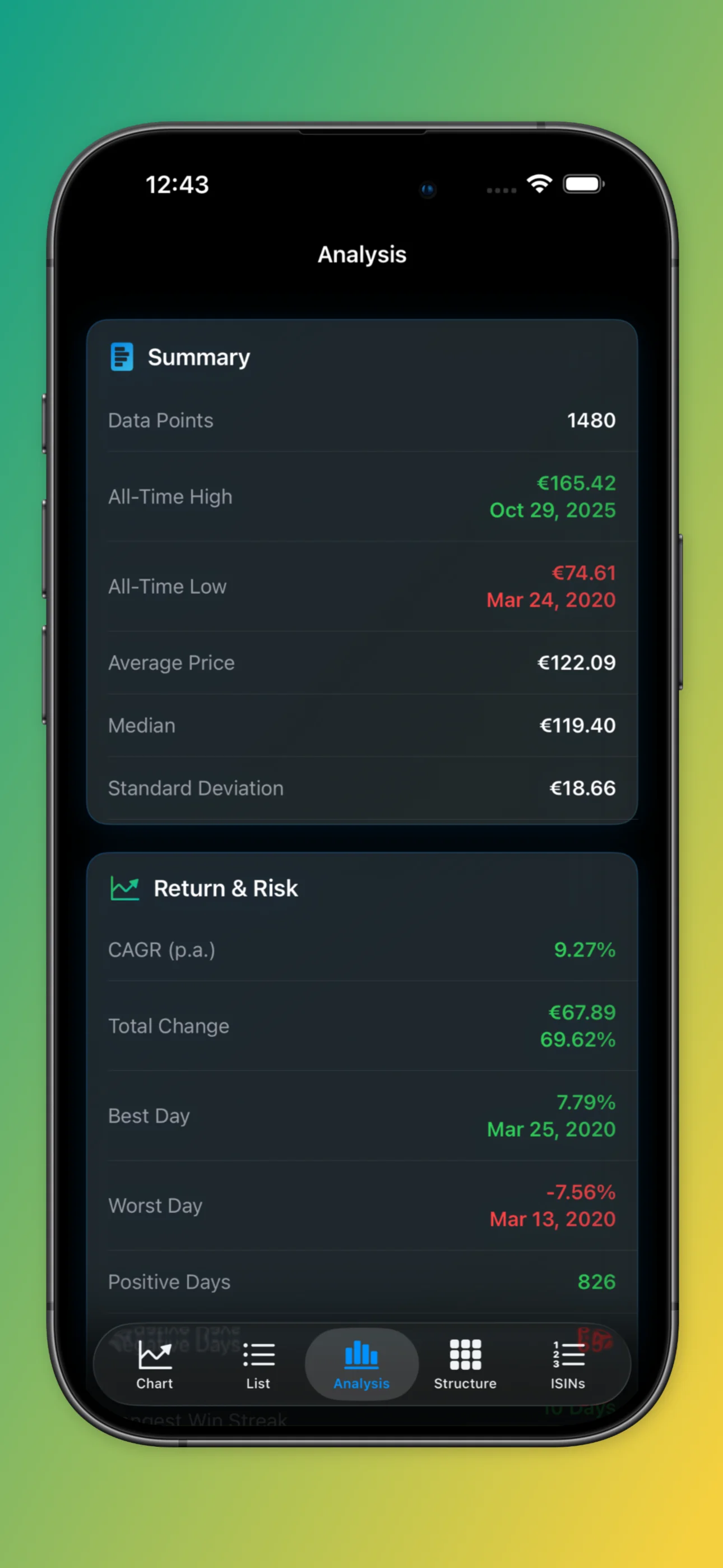
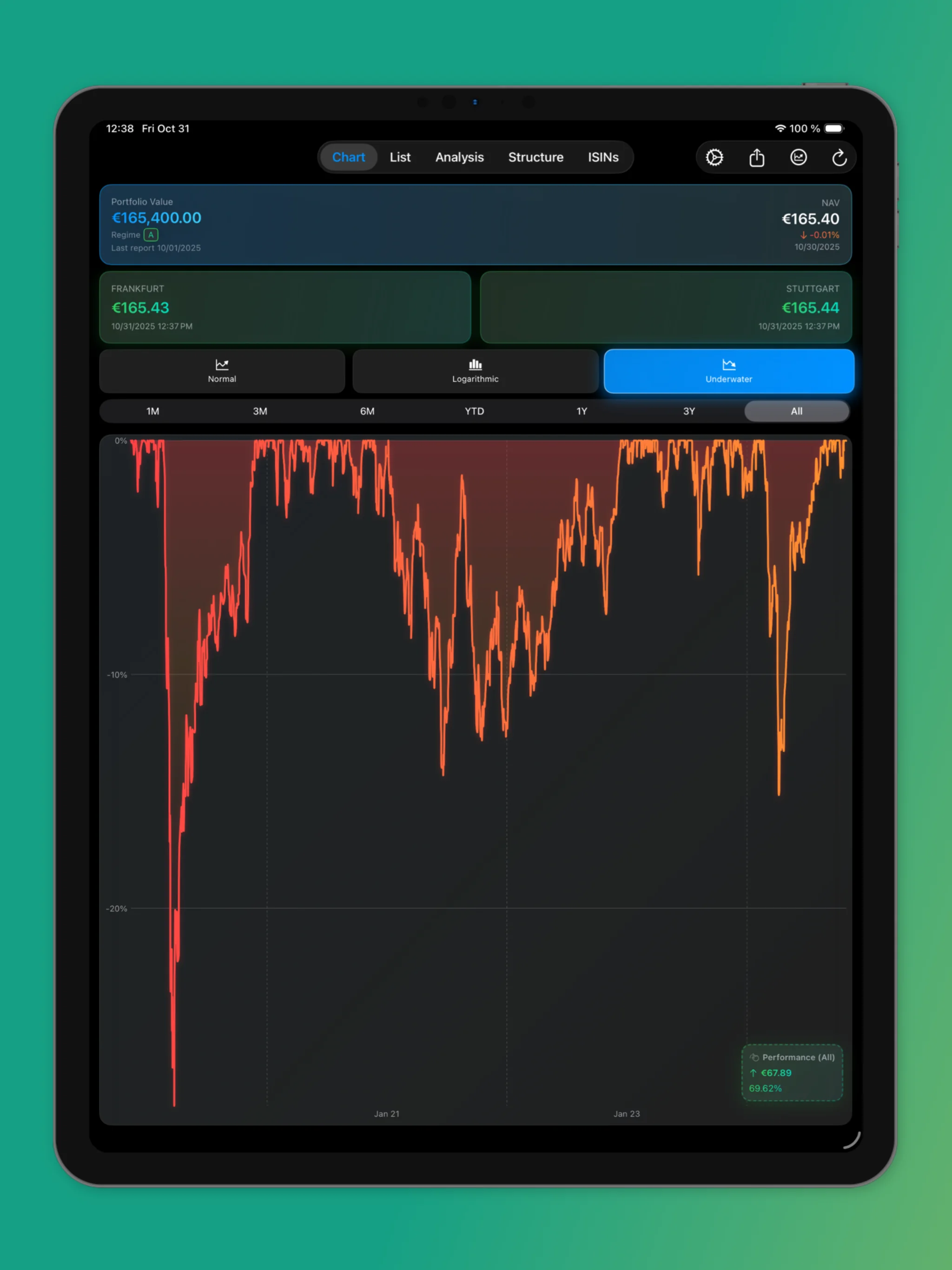
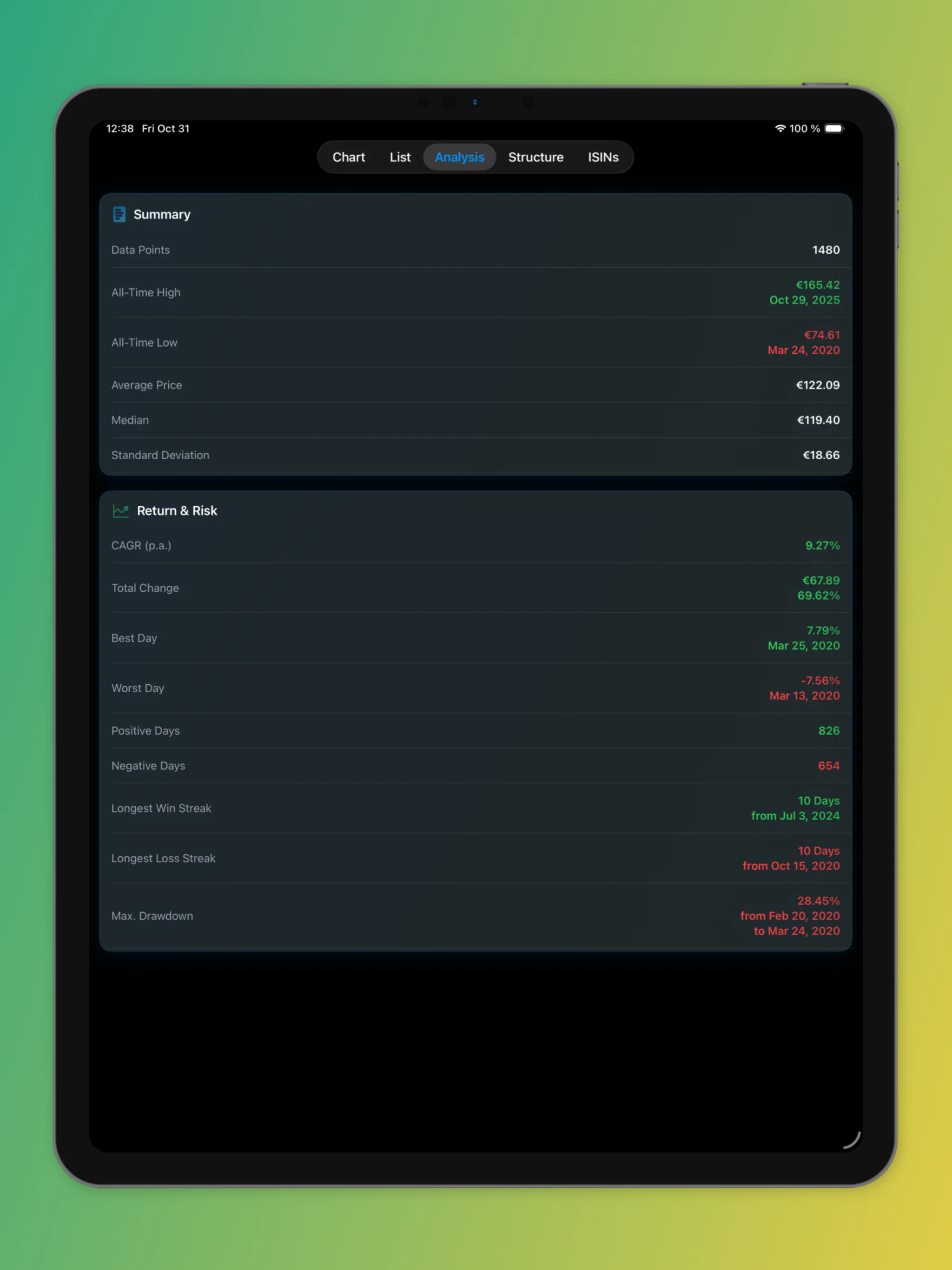
Important performance indicators of the Global Portfolio One at a glance: returns, volatility, Sharpe ratio and more.
Export GPO® price data as CSV or Excel for your own analysis. Seamless integration into PortfolioPerformance and other portfolio management tools.
Automatic adaptation to your system settings. Work comfortably at any time of day with the GPO® Tracker app.
Discover the GPO® Tracker apps for macOS, iPhone and iPad with all features in detail
Global Portfolio One Tracker for Mac – The complete desktop solution for professional fund analysis with all features.
Everything you need to know about the GPO® Tracker
The app is paid, but costs only a few euros/dollars. The exact price is displayed in the respective App Store and may vary by region. It's a one-time purchase with no subscription – buy once, use forever on all your Apple devices.
The GPO® Tracker is available as a Universal App for the entire Apple ecosystem:
Note: A Windows version also exists, but it's only available in German.
The app retrieves official price data directly from the Liechtensteinische Landesbank (LLB) data source. The data is updated daily and is usually available the following day. The app automatically checks for new data and downloads it in the background.
Yes! The app offers comprehensive export options:
You can then use the data in your own analyses or portfolio management tools.
In rare cases, after an app update, the new data bundled with the app may not load automatically. In this situation, you can use the "Reset Data" feature in Settings.
You'll find this function under Settings → Data Management → Reset Data. It clears all cached data and reloads the current default data bundled with the app version. After the reset, the Settings page will automatically close and you'll see the updated data in the charts.
Note: This feature is available on both macOS and iOS/iPadOS. Your personal settings (such as the number of shares you hold) will be preserved.
Privacy is very important to us:
The app offers professional technical analysis tools:
The app combines perfectly with PortfolioPerformance:
This way you have all your investments in one place and can perform comprehensive portfolio analyses.
No. This app is an independent development and has no connection whatsoever to Dr. Andreas Beck, the GPO® fund or its issuers. The app is solely for displaying and analyzing historical price data and does not constitute investment advice. For official information, please visit the official GPO® website.
No registration, no ads. Get started immediately on all Apple devices!
Important Notice: This app is solely for displaying and exporting historical price data of the Global Portfolio One fund and does not constitute financial advice. We are not affiliated with the fund mentioned and do not act on behalf of or in the interest of the fund providers. No guarantee can be given for the accuracy of external fund data. When making investment decisions, it is always important to consult multiple sources and seek professional advice. Global Portfolio One (GPO®) is a registered trademark of the respective rights holders.